How do I schedule a Zoom meeting with Narada?
1. Tell Narada to schedule a Zoom meeting
Ask Narada to schedule a Zoom meeting at any time and date you want. Then just sit back and relax — Narada will automatically send out the invite and add it to your calendar for you!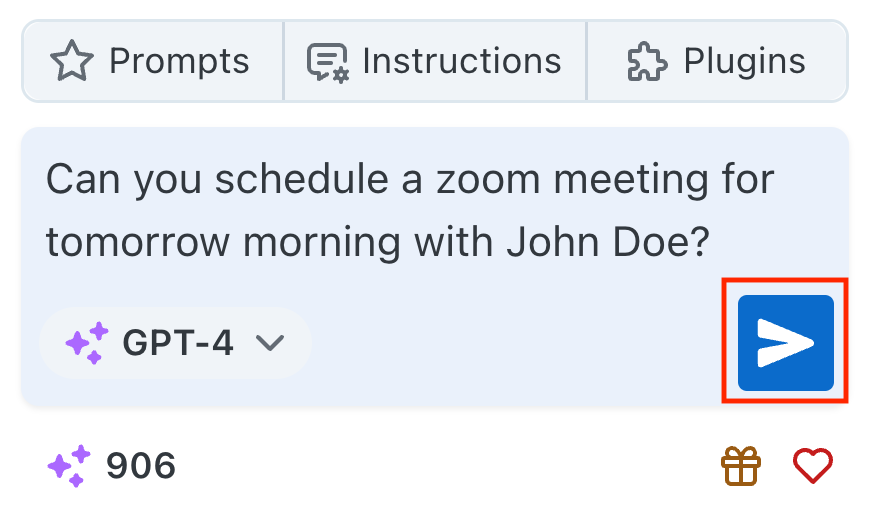
2. Save your favorite prompts to your "Prompt Library"
You can save your favorite prompts to your "Prompt Library" for easy access. Just click the star icon on the bottom right corner of your prompt and it will be saved to your library.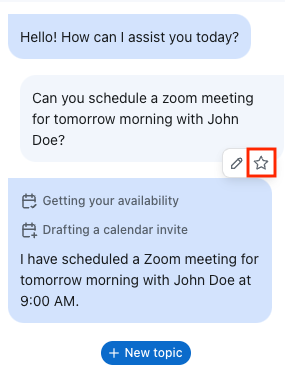
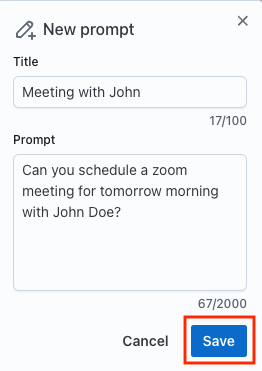
3. Use your favorite prompts
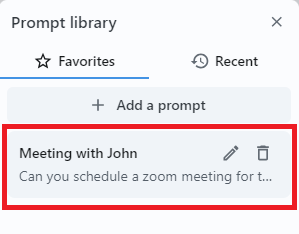
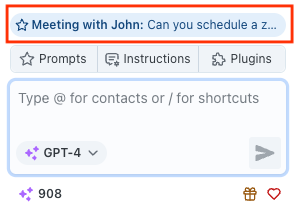
Later, you can quickly use your favorite prompts again either by clicking the prompt in your library or by clicking on its quick action chip.
For troubleshooting, you can contact us at support@narada.ai.